Act2020 Mobile2.3.20
Publisher Description
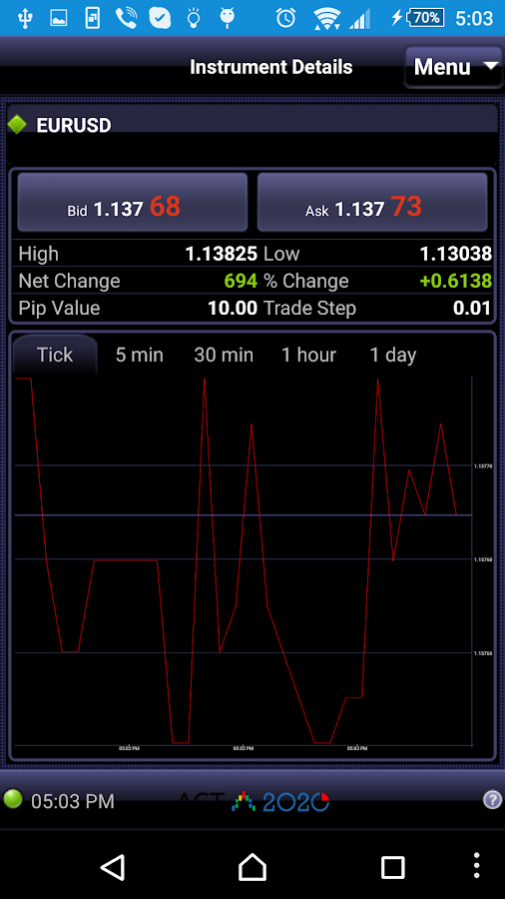
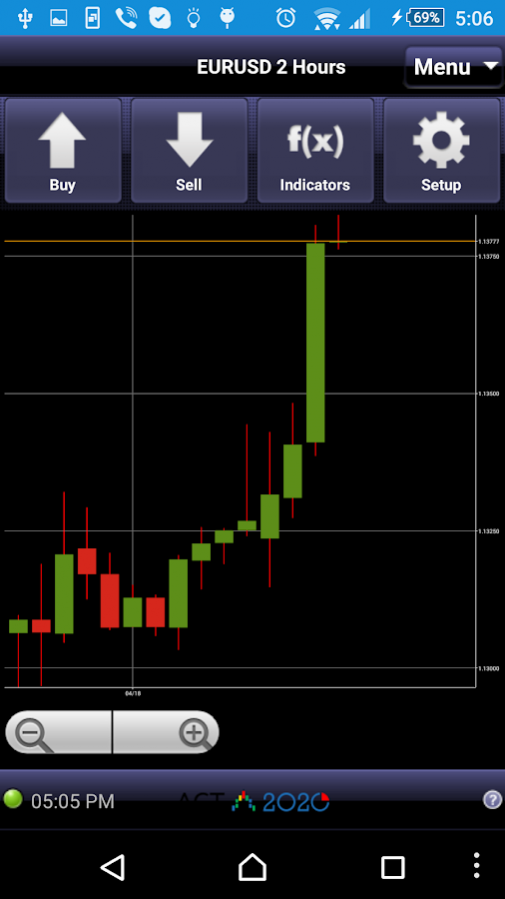
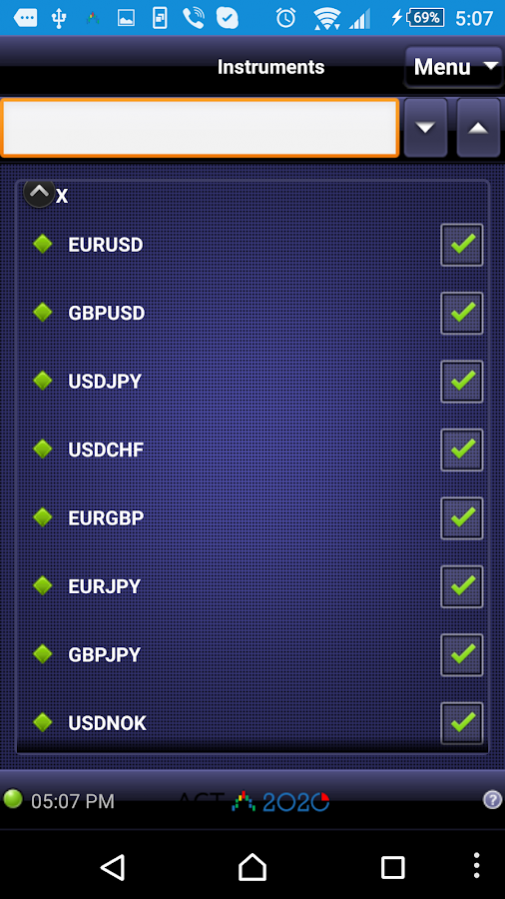
Act2020 Mobile is the Android version of the popular ActTrader platform by ActForex, Inc.Act2020 Mobile allows you to trade the same instruments you can on the desktop version, including Forex, CFDs, Futures, and ETFs. Simply log in with your ActTrader username and password to access your trading account, orders, and open positions. Place trades, monitor your account, and even view live charts. Your account data and trading activity are synced in real time. Trades you make on the Android are reflected on the desktop application, and vice-versa.
With Act2020 Mobile, you never have to be tied down to your computer again!
Features:
-Live streaming dealing rates
-Live trading from your ActTrader account
-Trade Forex, CFDs, Futures, ETFs
-Real-time interactive charts
-Easy order management
-Detailed account information
-Open position information
-Trading history
-Live, up to the minute News stream
-Instrument subscription
About Act2020 Mobile
The company that develops Act2020 Mobile is ActTrader. The latest version released by its developer is 2.3.20.
To install Act2020 Mobile on your Android device, just click the green Continue To App button above to start the installation process. The app is listed on our website since 2017-01-26 and was downloaded 6 times. We have already checked if the download link is safe, however for your own protection we recommend that you scan the downloaded app with your antivirus. Your antivirus may detect the Act2020 Mobile as malware as malware if the download link to campaign.trader is broken.
How to install Act2020 Mobile on your Android device:
- Click on the Continue To App button on our website. This will redirect you to Google Play.
- Once the Act2020 Mobile is shown in the Google Play listing of your Android device, you can start its download and installation. Tap on the Install button located below the search bar and to the right of the app icon.
- A pop-up window with the permissions required by Act2020 Mobile will be shown. Click on Accept to continue the process.
- Act2020 Mobile will be downloaded onto your device, displaying a progress. Once the download completes, the installation will start and you'll get a notification after the installation is finished.
Program Details
System requirements
Download information
Pricing
Version History
version 2.3.20
posted on 2017-01-26
- Customers (investors) can access the app and observe trading activity on their accounts
- Total P/L can be displayed on the Closed Positions page
- An option to select History interval has been added to the app settings.
- Stop and Limit rates are now shown on the Position's details (if exist)
- Fixed font size on charts for hi-res screens
- General performance improvements
version 2.3.17
posted on 2016-04-20
- Customizable Time Zone,- Support for Non-Trading Intervals configured per week day,- Customers (investors) can now access the app and observe trading activity on their accounts.,- Performance improvements.
